Hello,
This has become more problematic lately as I'm working quite a bit in minicom. I have a wide monitor and take advantage of this by setting Options->Properties->Appearance->Size and Behavior to 141 columns and 35 rows.
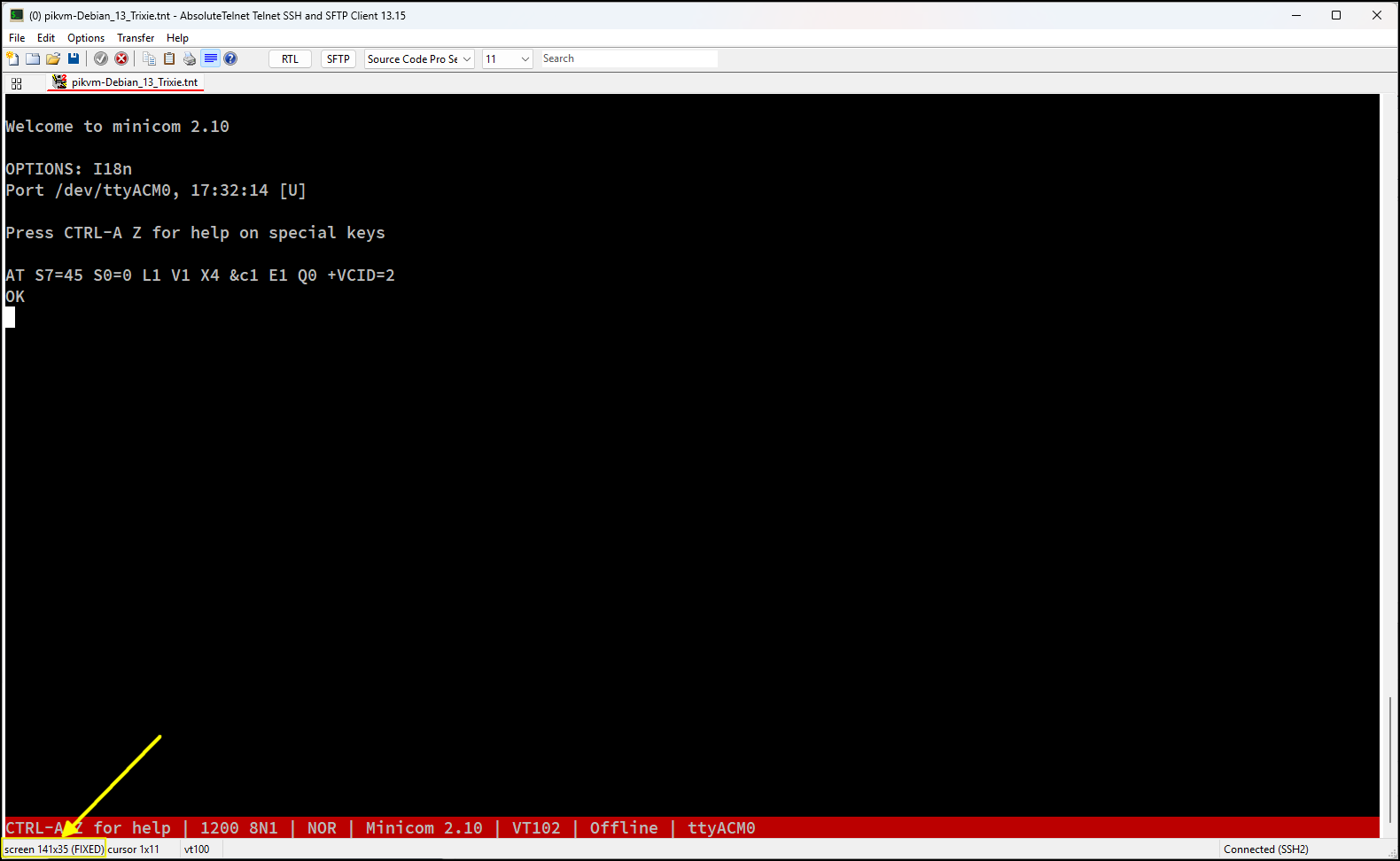
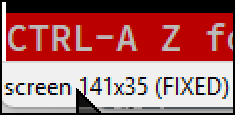
When I'm running minicom, those dimensions don't change, but as soon as I exit back to the shell, the columns change from 141 to 80:
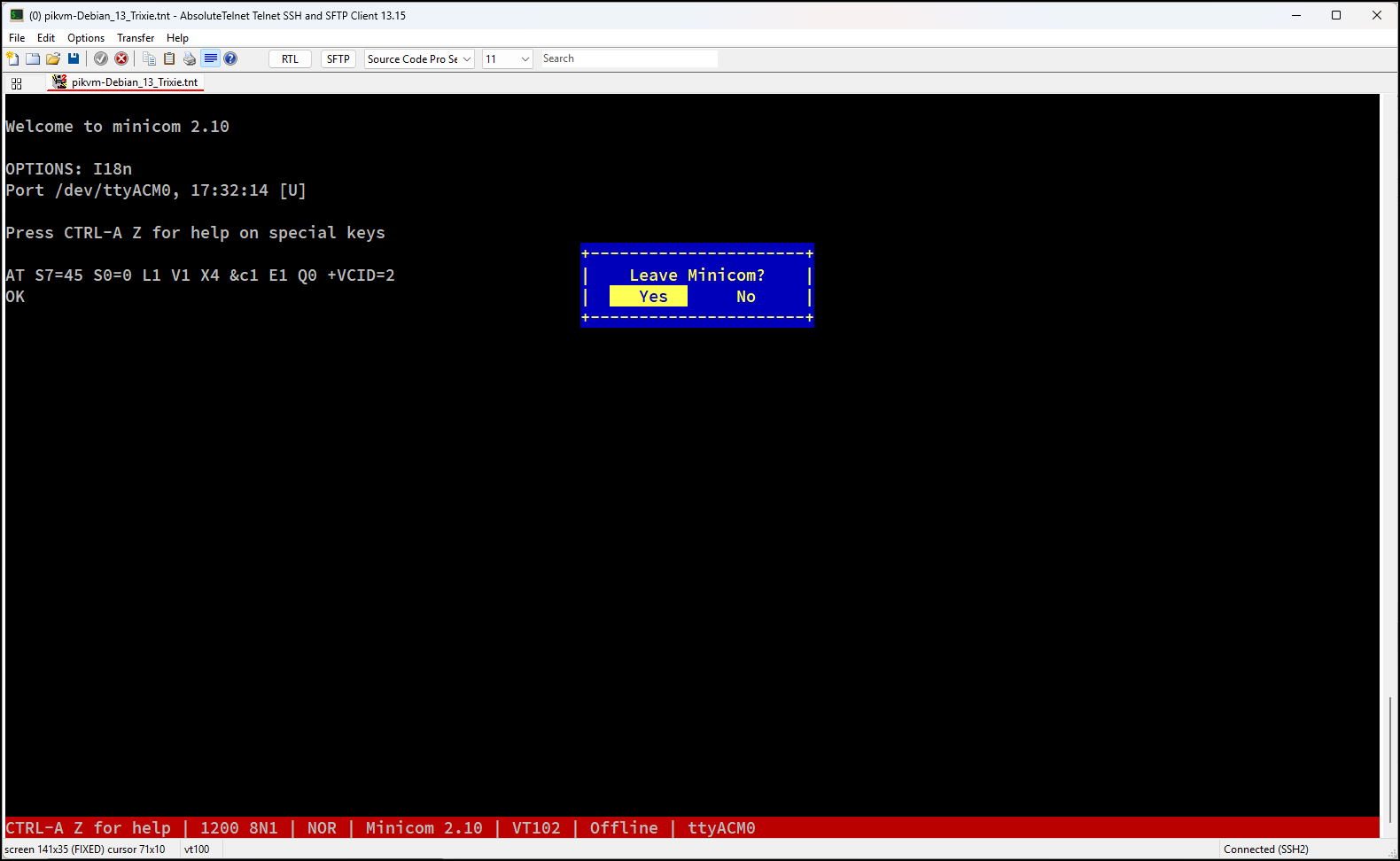
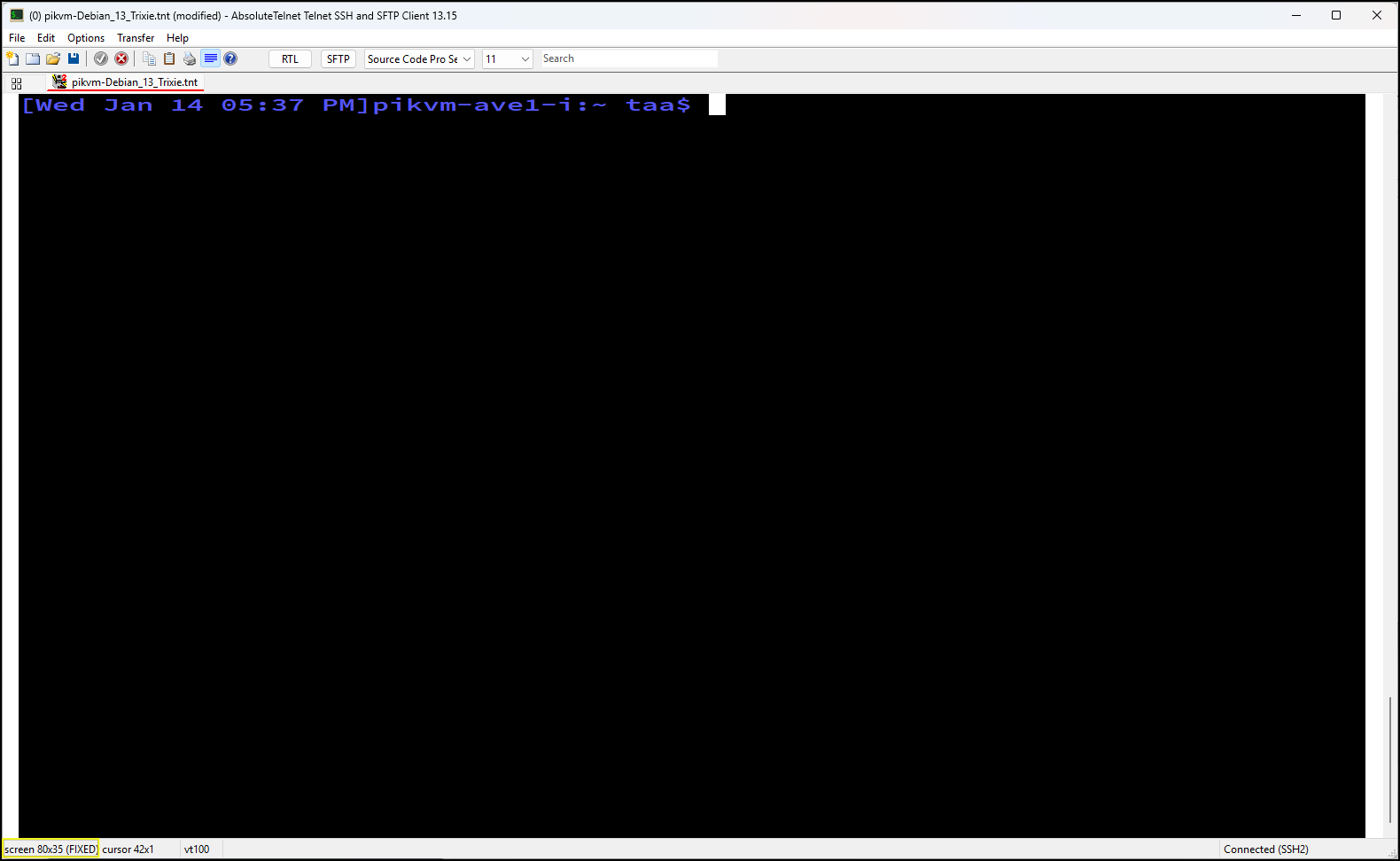
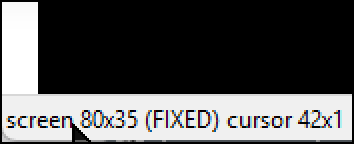
I've tried going to Options->Reset Terminal and this changes the screen to my default black letters on a white background, but the size is still 80 columns and 35 rows.
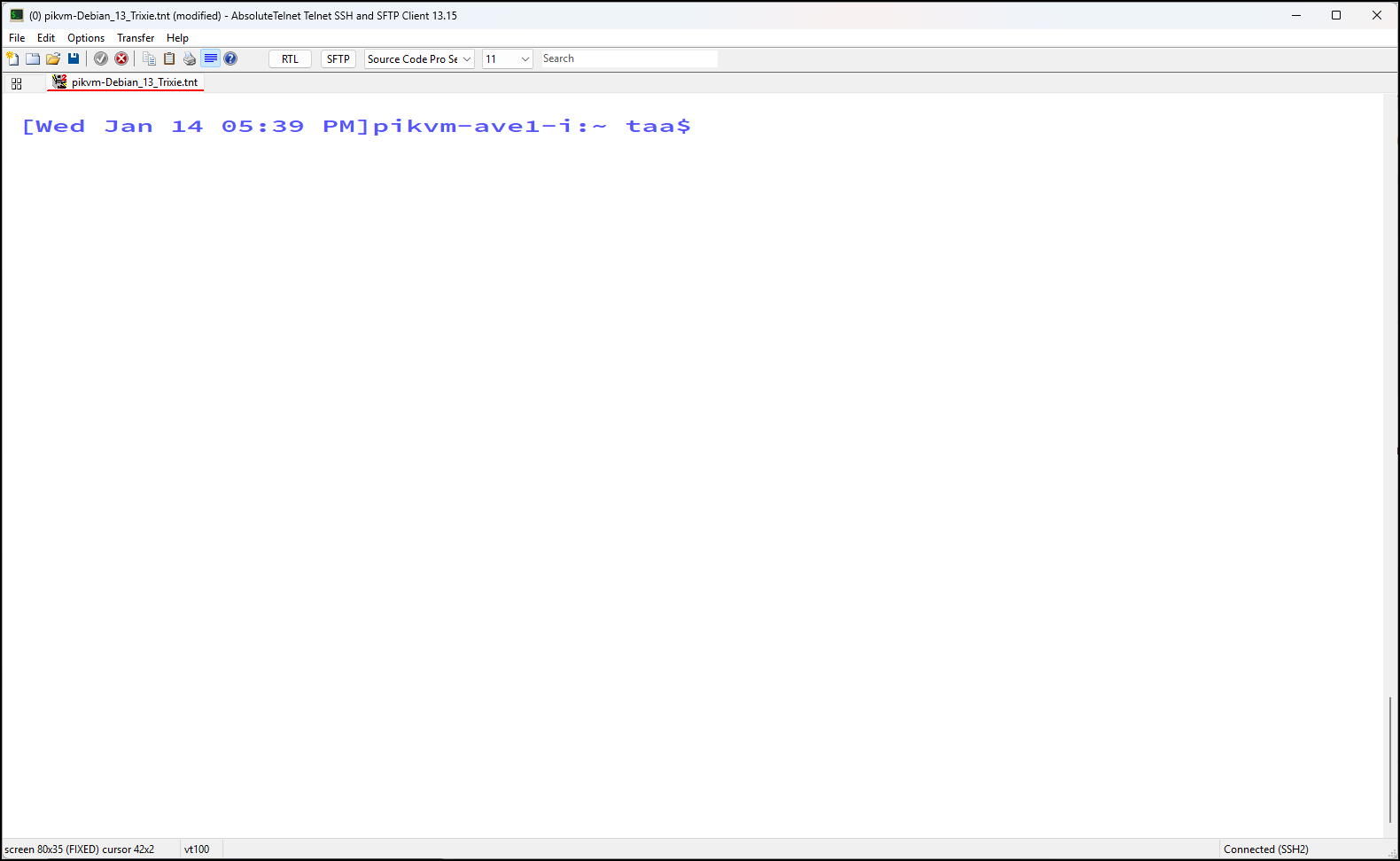
When this happens, I close the session and have to remember to choose "No" when prompted with, "The current connection file has been modified and has not been saved. Do you want to save this file before you exit?"
When the Appearance setting says, "Scale font, keep rows and columns FIXED", to me this means it should stay "fixed" at 141 x 35 no matter what escape sequence is emitted by the running program.
When the behavior is set to "fixed", can AT ignore a program's escape sequence that changes the number of columns? Or is there some other work around?
Can you send me a log file? I need to know which escape sequence exactly is doing that. Typically, it remains 'fixed' terminal dimensions in response to you resizing the window, moving, maximizing, stretching, restoring, etc... But the server will sometimes tell the client to 'reset' or choose specific column/row settings, which its best not to ignore or you run into a different class of errors where client and server disagree on screen dimensions.
Try File->Open log at the beginning of a session
and File->Close log after the columns resize. Zip and email the file to me.
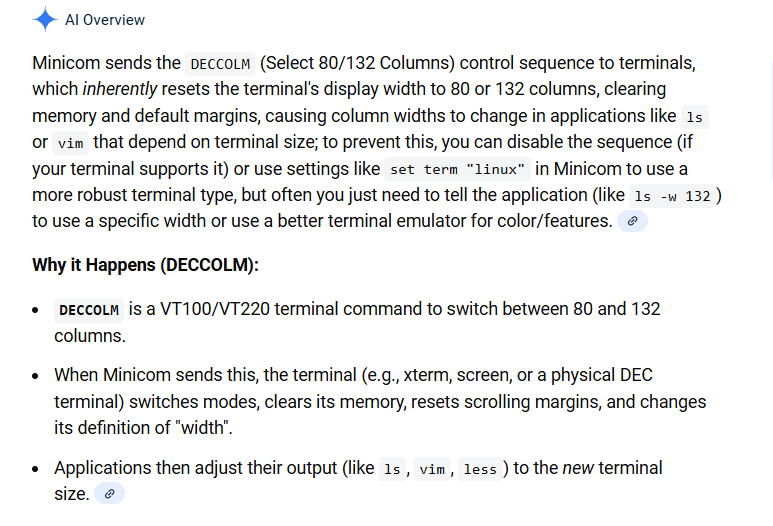
OK, I have the answer.... Minicom is sending DECCOLM to the terminal, whose purpose is to change the column widths. Historically, physical terminals were limited to 80 columns, but could be switched into 132 column mode using DECCOLM when additional space was needed. Resetting DECCOLM would then return the terminal to 80 columns. In today's world of dynamically sized terminal windows, it seems out of place to even see it anymore. However, the risk of IGNORING it is real. If the host requests 80 columns and the terminal doesn't comply, there is a real risk that the terminal and the host aren't in agreement on the screen dimensions and layout will be wrong. For example, wrap at end of line won't wrap, etc...
I might consider allowing "keep rows and columns fixed" to also imply "ignore screen dimension changes from the server". It seems reasonable, but was not the original intent or current behavior, so may have some unwanted side effects for other users.
I'll do some reading and get back to you.
Todd and I have been reviewing some logs by mail and have come up with a balanced approach to the issue. Many terminals just just ignore DECCOLM, or allow it to be enabled only through configuration, but that would tend to invisibly and unexpectedly break things that require its behavior. It's probably rare these days that any column operates in 132/80 column modes, but I'm sure they exist.
Historically, terminals were physical devices that ran with a fixed 80 column screen. DECCOLM SET would be used on occasion to switch into a more compressed 132 column format for certain operations that required more screen space. Later, DECCOLM RESET would 'return to normal' or switch back to 80 columns. Today however, 'RESET' is often called without the option ever being 'SET'. Hosts will often send a 'RESET' as part of a generic 'return to normal' sequence instead of part of a DECCOLM SET/RESET pair. New behavior available in 13.16 changes tries to address this in the best possible way, honoring DECCOLM where it makes sense and ignoring it when it doesn't. To that end, a 'RESET' will only be recognized if a previous 'SET' was done. This will allow legitimate SET/RESET pairs to switch between 132 and 80 columns for applications that still need that, plus eliminate the weird and unexpected resizing Todd was describing.
Historical behavior
DECCOLM SET -- Enter 132 column mode without question
DECCOLM RESET -- Enter 80 column mode without question
New behavior
DECCOLM SET -- Enter 132 column mode without question
DECCOLM RESET -- Enter 80 column mode, only if we received a previous DECCOLM SET
13.16 is the first version with this change, which you can get here while it's in beta testing, and later on the download page once it's released:
https://www.celestialsoftware.net/beta-testing/
