Celestial Software

...better by design

Home Terminal Features Connection Options

Connection Options

E-mail Print
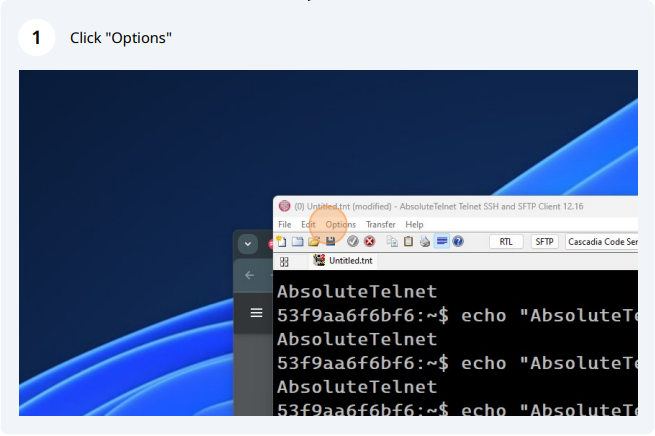
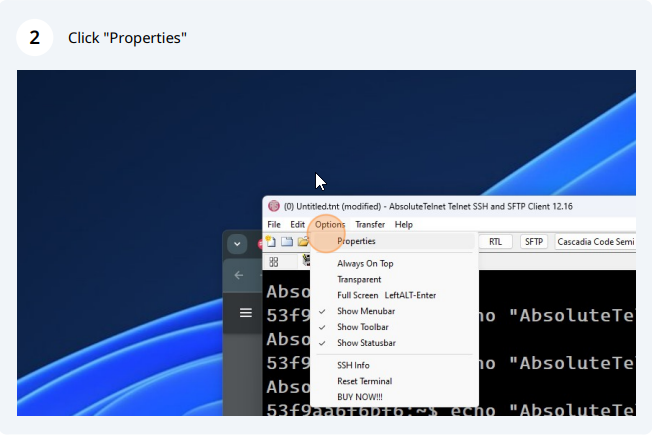
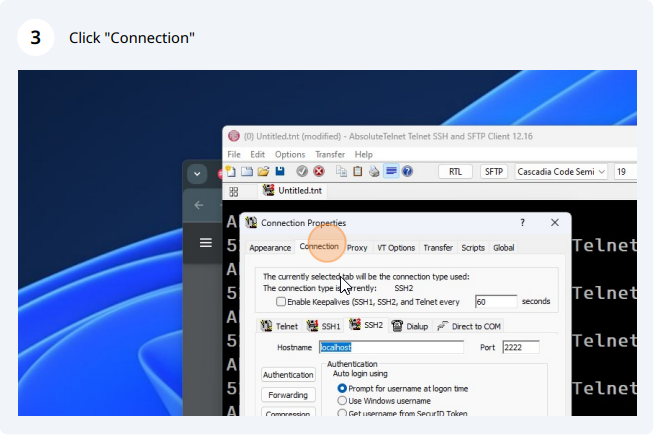
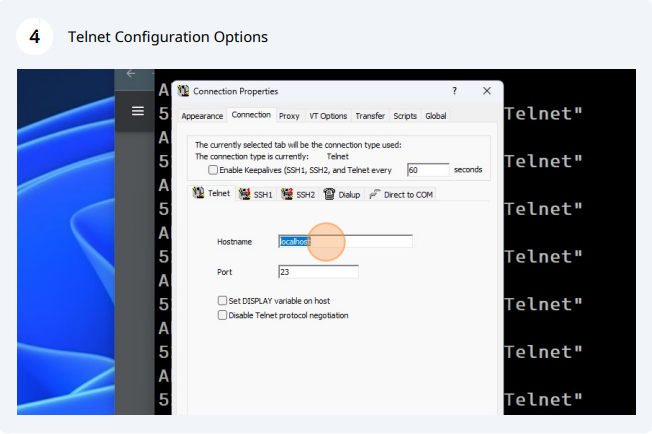
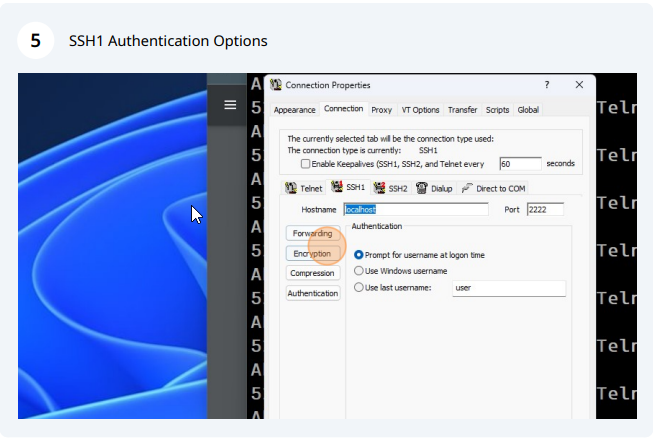
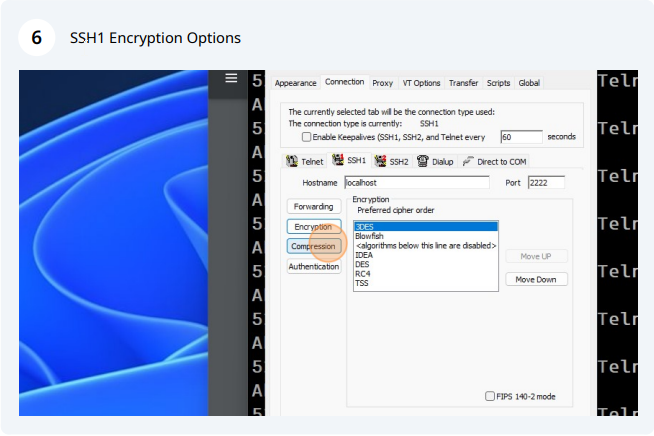
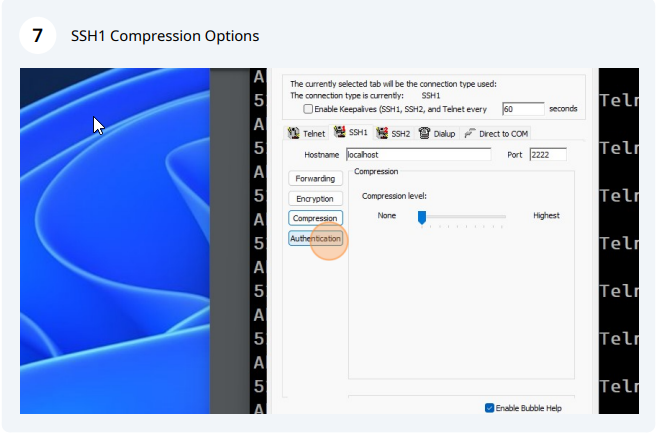
This program is versitile in its connection options. This screen allows the user to alter the various connectivity settings for the current connection file as follows:
Telnet Settings


  • "Hostname" - This is the IP address or hostname of the connection.
  • "Port" - This is the port specified for connection to the server. For telnet connections, the default falue for this field is 23.
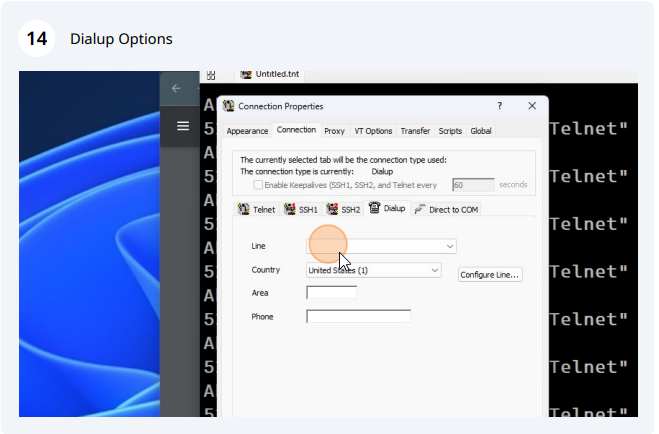
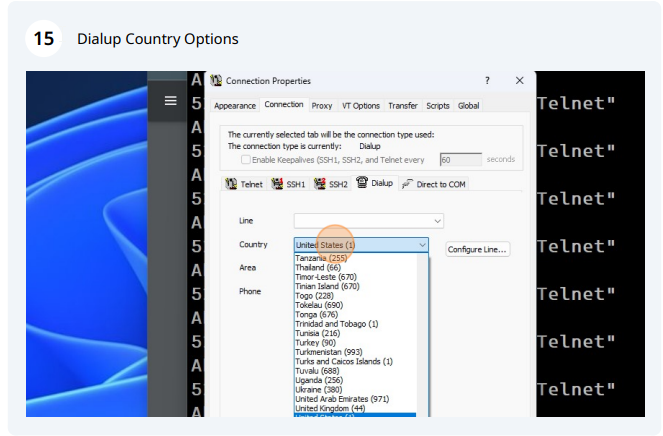
Modem Settings This program supports Microsoft Telephony.


  • "Country" - The country the application is dialing.
  • "Area" - This is the area code of the number the application is dialing.
  • "Phone" - The telephone number the application is dialing.


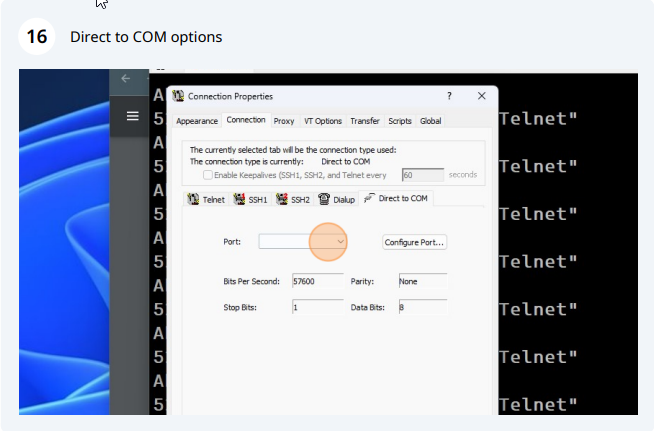
COM port SettingsThis program supports direct COM port connections.


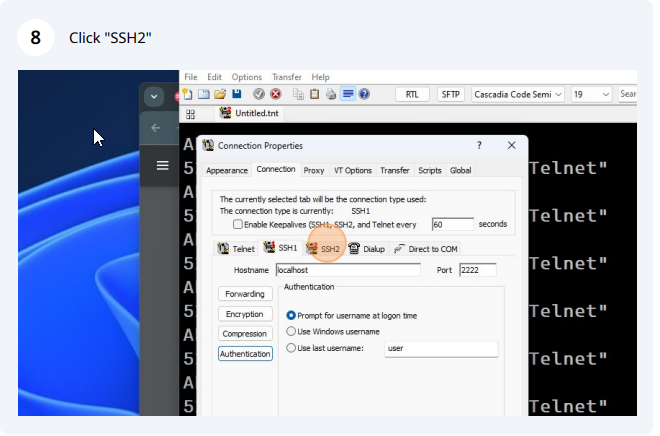
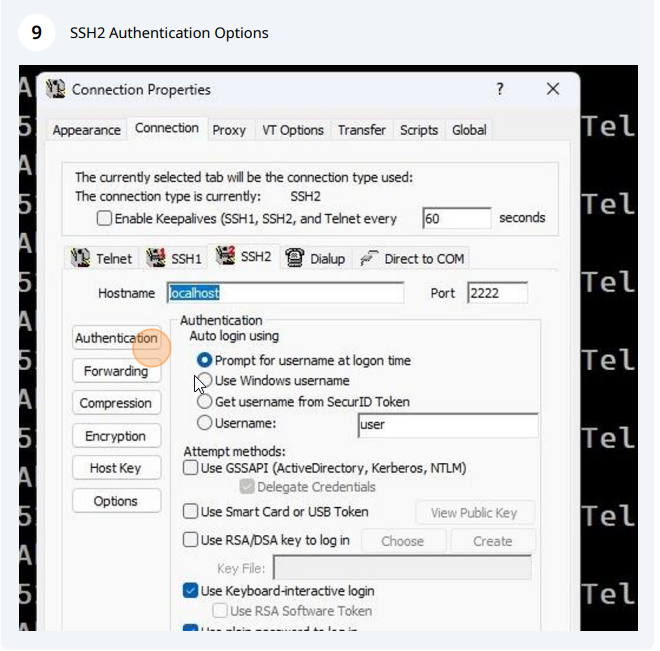
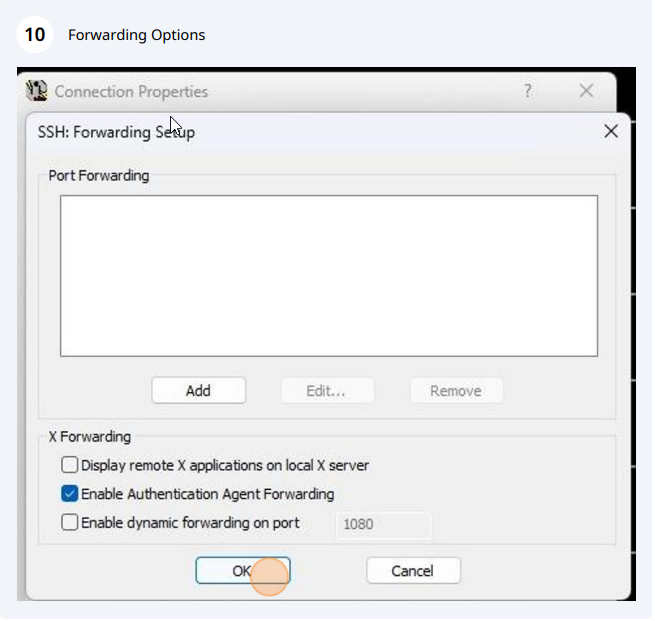
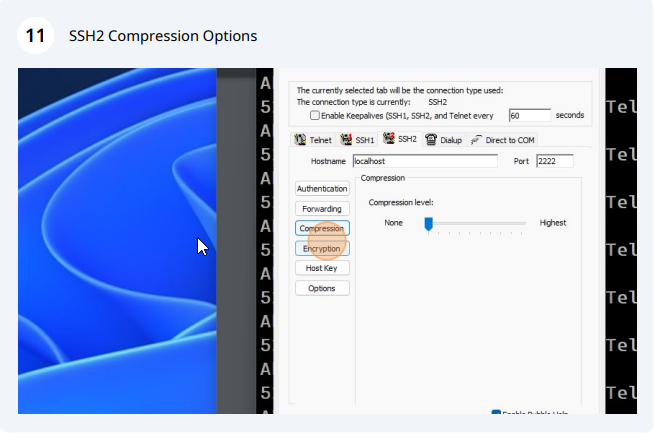
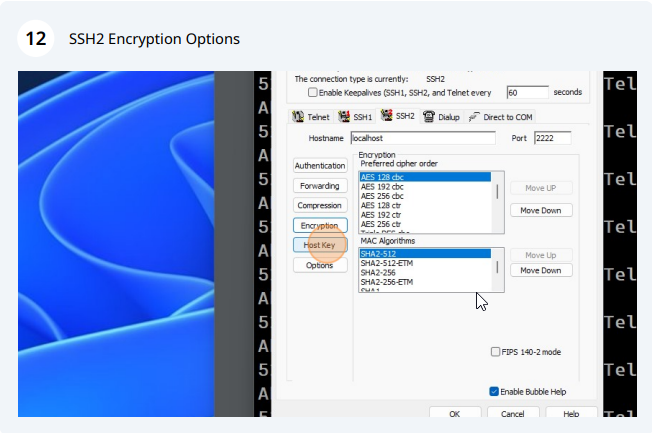
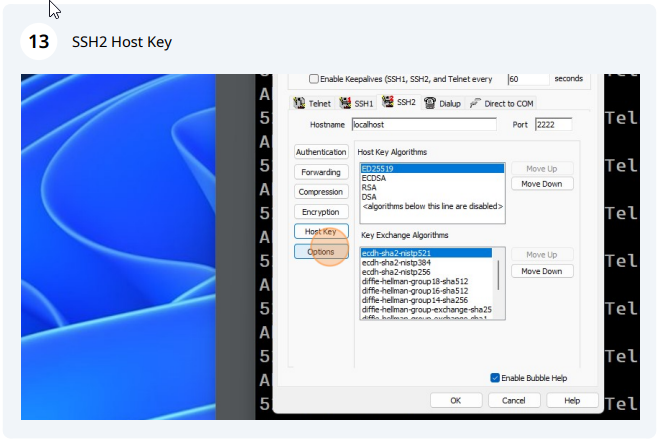
SSH Settings This program supports SSH settings.

Last Updated on Monday, December 29, 2008 10:11 PM  

Recent Forum Posts

info in AbsoluteTelnet General by bpence, Aug 27, 2010 07:13 am
info in AbsoluteTelnet General by RandallWilson, Aug 13, 2010 08:01 am
info in Secure Shell by bpence, Aug 09, 2010 01:19 pm
info in AbsoluteTelnet General by GoAWest, Aug 03, 2010 12:43 pm
info in AbsoluteTelnet General by bpence, Aug 03, 2010 08:19 am
I switched to AbsoluteTelnet after getting very frustrated with PCXWare approximately two years ago. PCXWare was a very "heavy" application that took a long time to load and also conflicted with other desktop applications such as Lotus Notes, resulting in frequent GPFs. I'm very pleased with AbsoluteTelnet. It is easy to use, is quite robust, is not a heavy application, and does not conflict with any of my other desktop applications. -- Ron Menich - Talus Solutions