The AbsoluteTelnet SSH Client implements the kitty graphics protocol, the escape-sequence protocol originated by the kitty terminal for displaying pixel graphics — including animation, transparency, and text/image layering — inside a terminal session. Because it is an SSH client, modern terminal graphics work over a plain SSH connection to a remote Linux host, with no X forwarding and nothing installed on the Windows side beyond AbsoluteTelnet/SSH itself.
Support is current as of AbsoluteTelnet SSH Client 14.05 (first shipped in 14.01). Every action, placement mode, and animation control in the protocol is implemented along with the transmission medium the spec designates for remote clients. This page documents exactly what is implemented, what is not, and how to verify every claim yourself.
Try it in 30 seconds
From any SSH session to a Linux host:
# kitty's image tool (no kitty terminal required, just the kitten binary)
kitten icat photo.png

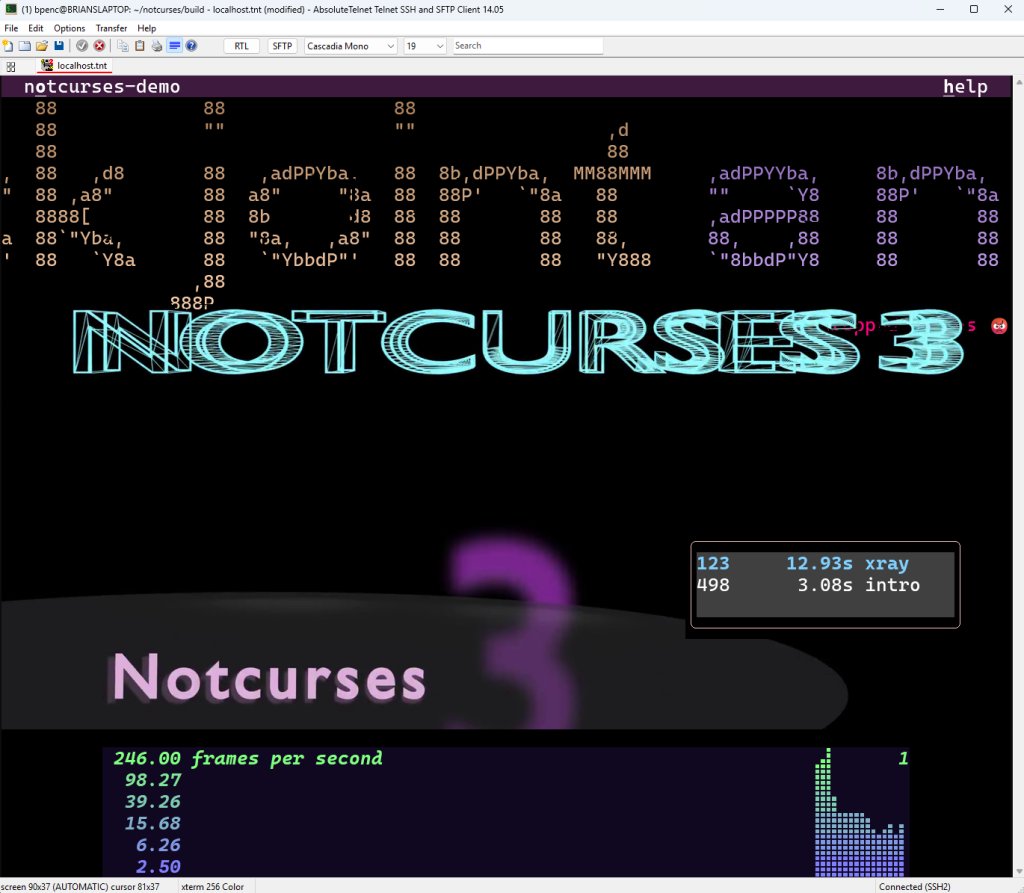
# notcurses demos and tools
ncplayer video.mkv
notcurses-demo -p /path/to/media

# timg, with the kitty backend
timg -pk photo.jpg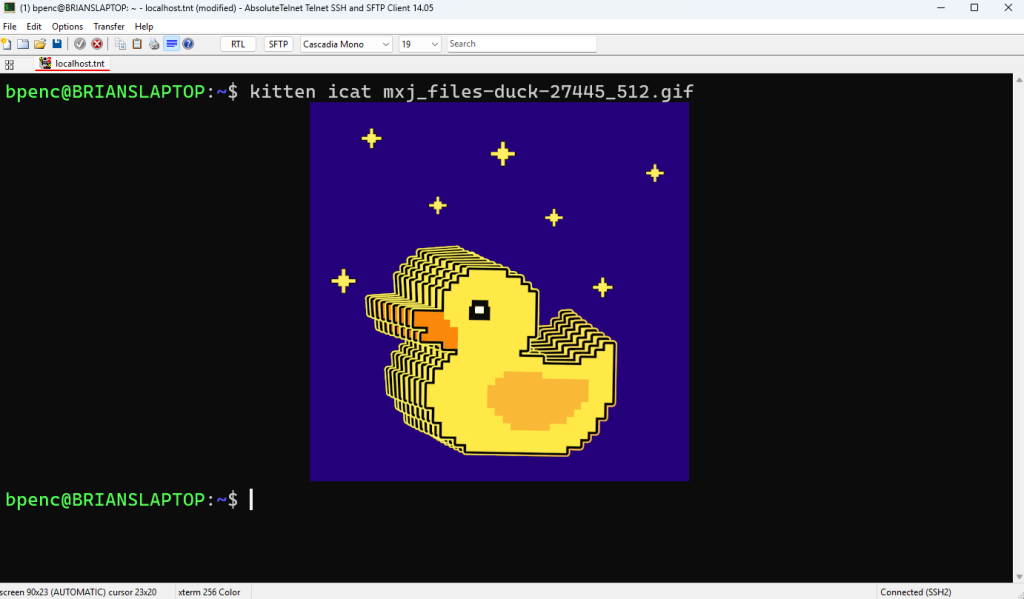
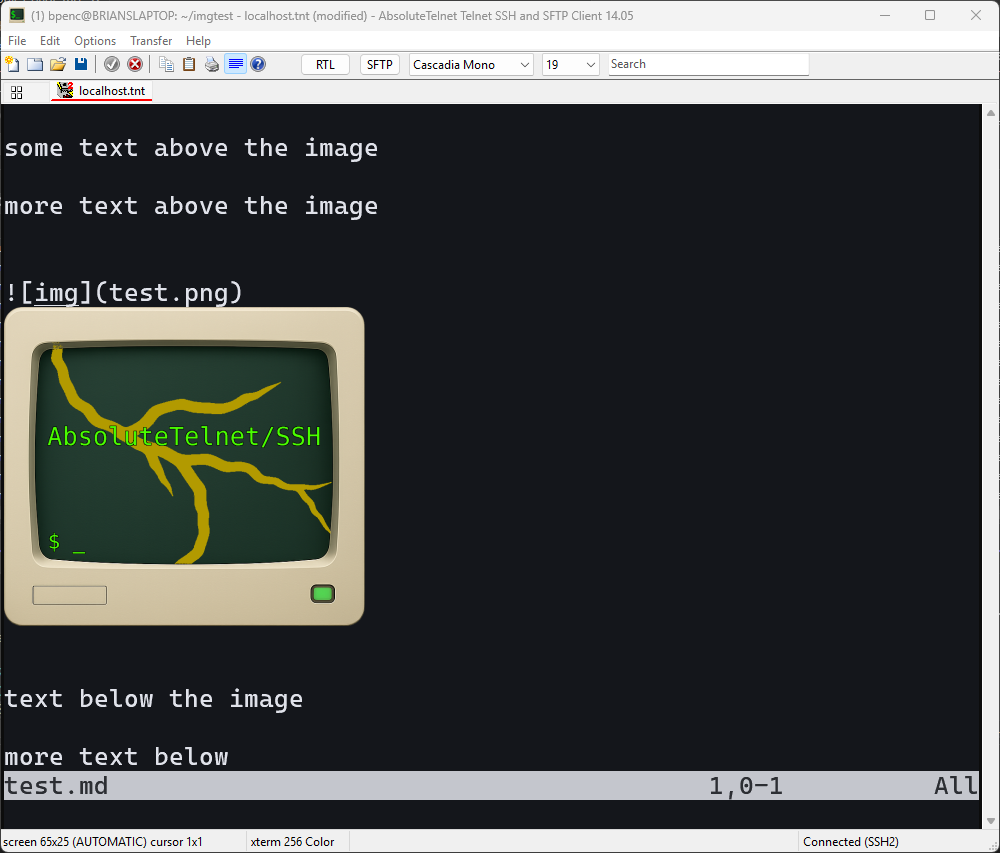
Neovim image plugins work too. image.nvim and snacks.nvim default to Unicode placeholder placements (U=1) rather than direct cursor placement, which is a distinct code path from icat — and one AbsoluteTelnet/SSH supports.
Feature support
Transmission
| Feature | Key | Status |
|---|---|---|
| Direct (base64 in-band) | t=d | Supported |
| Chunked transfers | m=1/m=0 | Supported, including q (quiet) appearing on any chunk |
| File medium | t=f | Rejected by design — see SSH notes |
| Shared memory medium | t=s | Rejected by design — see SSH notes |
| RGB pixel data | f=24 | Supported |
| RGBA pixel data | f=32 | Supported, with real alpha compositing |
| PNG | f=100 | Supported (decoded via Windows Imaging Component) |
| zlib compression | o=z | Supported |
Actions and display
| Feature | Key | Status |
|---|---|---|
| Transmit | a=t | Supported |
| Transmit and display | a=T | Supported |
| Place | a=p | Supported |
| Query | a=q | Supported — probe with a query before sending graphics, per the spec |
| Delete | a=d | Supported; delete-by-id also removes the on-screen placement, not just stored data |
| Quiet mode | q=1/q=2 | Supported — success/error responses suppressed per spec |
| Scaling to a cell rectangle | c=, r= | Supported |
| Source-rectangle cropping | x=,y=,w=,h= | Supported — the crop is recorded per placement and re-applied whenever the image is recomposed |
| Cell-offset placement | X=, Y= | Supported — sub-cell pixel offset within the anchor cell |
| Unicode placeholders | U=1 | Supported — virtual placements via U+10EEEE placeholder cells, with foreground-colour and diacritic image-id encoding |
| Cursor suppression | C=1 | Supported — no scroll or cursor motion; the placement clips at the bottom edge instead |
| Z-index layering | z= | Supported: z<0 renders below text, z>=0 above text, correct same-z tie-breaking |
| Deep-background band | z < INT32_MIN/2 | Supported — renders beneath non-default cell background colours, per the spec’s sub-band rule |
| Transparency | Supported: RGBA images alpha-blend over text and background | |
| Multiple overlapping images per row | Supported (e.g. a z<0 backdrop under a z>=0 foreground) | |
| Moving a placement | re-place same id | Supported: the vacated cells are wiped, so sliding sprites don’t leave trails |
| Image/text independence | Supported: writing text does not destroy an image placement; they are independent layers |
Animation
| Feature | Key | Status |
|---|---|---|
| Frame transmission (full replacement) | a=f | Supported |
| Sub-region frame composition | a=f with x=,y= offsets | Supported — incremental updates only retransmit changed regions |
| Intra-image region copy | a=c | Supported — copy a rectangle from one stored frame onto another |
| Animation display control | a=a | Supported |
| Multi-frame storage, per-frame gaps, loop counts | r=, g=, v= | Supported — frames are stored per image with individual gap values, driven by a=a for current-frame, gap and loop control |
| Quiet inheritance across animation commands | q= | Supported — a=f/a=a/a=c with no explicit q= inherit the loading transmit’s quiet level, so a q=2 transmit silences the whole animation |
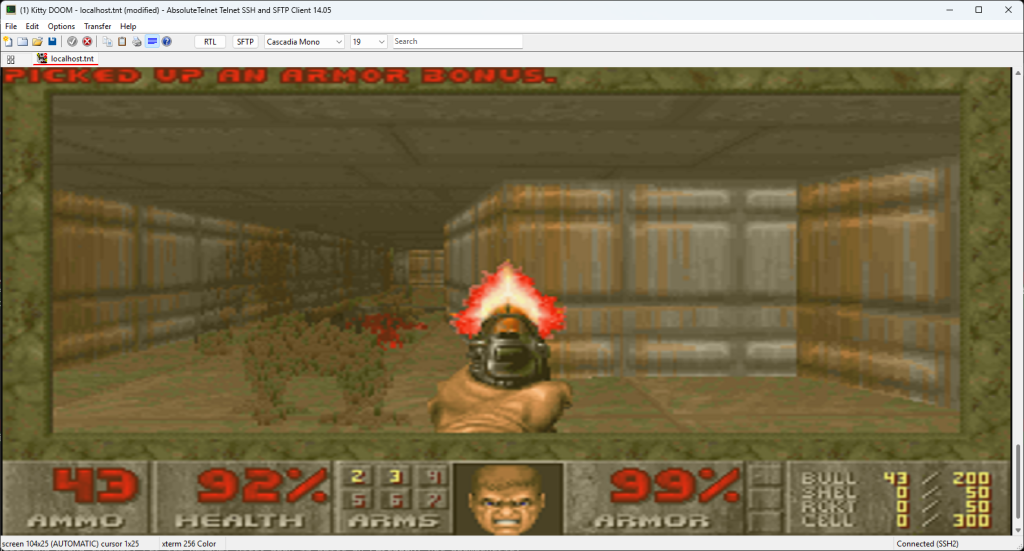
DOOM runs. Kitty DOOM — a pure C port of DOOM that renders straight through the kitty graphics protocol — is one of our standing test workloads over SSH, and a demanding one. It transmits the first frame with a=T and every frame after it with a=f, base64-encoded in 4 KB chunks, with frame-difference skipping to suppress unchanged frames. That exercises chunked transfer, frame animation, and sustained throughput at once.
Resource limits
Image storage is capped at 32 images / 64 MB, evicted oldest-first. This protects the session against clients that transmit a fresh image id every frame. Evicting stored data never disturbs what is already on screen.
What isn’t supported
One thing, and it is a deliberate design decision rather than an unfinished corner:
t=fandt=s— the file and shared-memory transfer mediums. Both refer to files and memory on the remote host, which the Windows client cannot see. AbsoluteTelnet/SSH rejects them with the error response the spec prescribes, and clients fall back to direct transmission automatically. See SSH notes below.
Notes for SSH sessions
The kitty graphics protocol offers four transmission mediums, and three of them are optimizations for the case where the terminal and the application share a filesystem: t=f (read a file path), t=t (read and delete a temporary file), and t=s (attach a POSIX shared-memory object). Across an SSH connection none of the three can work — they name files and memory on the remote host, which the client machine has no access to.
The protocol anticipates this. The spec states plainly that “remote clients, those that are unable to use the filesystem/shared memory to transmit data, must send the pixel data directly using escape codes” — and t=d direct transmission is exactl y what AbsoluteTelnet/SSH implements. The three local-only mediums are rejected with the error response the spec prescribes, and well-behaved clients — kitten icat included — fall back to direct transmission automatically. This is conformance, not a gap: it is the same thing kitty itself does when you SSH from it to another machine.
Two AbsoluteTelnet/SSH-specific details make graphics over SSH work well:
- Exact pixel geometry end-to-end. Both
pty-reqandwindow-changecarry the true text-grid pixel dimensions, so the remote application’sTIOCGWINSZcell-pixel math is exact. This is why notcurses selects pixel blitters and SGR 1016 pixel mouse reporting under AbsoluteTelnet/SSH. - Tuned SSH channel flow control. The channel receive window is sized to sustain bulk graphics streams. This is the real ceiling on achievable frame rates: a conservatively sized window throttles animation regardless of how quickly either end can encode, decode, or paint.
Terminal multiplexers (tmux, screen)
tmux does not implement the kitty graphics protocol itself, and native support has not yet shipped in a release. An ordinary placement therefore does not survive a multiplexer: tmux keeps no record of where an image sits, so it cannot move or redraw it when a pane scrolls, splits, or resizes.
Unicode placeholders (U=1) are the protocol’s answer to exactly this, and AbsoluteTelnet/SSH supports them. Instead of the image being placed at a cursor position the multiplexer knows nothing about, the application transmits the image once, creates a virtual placement, and then writes ordinary text — cells containing U+10EEEE, with the image id carried in the foreground colour and the row and column in combining diacritics. The terminal composites the image over t hose cells. As the spec puts it:
Since this character is just normal text, Unicode aware application will move it around as needed when they redraw their screens, thereby automatically moving the displayed image as well, even though they know nothing about the graphics protocol.
Because the placement is text, tmux scrolls, splits and reflows it correctly without understanding any of it. This is the mechanism image.nvim and snacks.nvim use, and it is why they default to it. Of course, the exact version of tmux and kitten can be a factor here. Under some conditions, you may have to tell tmux to allow passthrough:
# ~/.tmux.conf
set -g allow-passthrough on
Verifying these claims
Everything above is testable with public tools:
kitten icat(from the kitty distribution) — transmission, PNG, placement, fallback behavior.- notcurses —
notcurses-demo,ncplayer,notcurses-infoexercise chunking, animation, z-ordering, and quiet-mode handling aggressively. AbsoluteTelnet/SSH development found and fixed upstream notcurses bugs in the process; see our notcurses support announcement. - timg with
-pk. image.nvimorsnacks.nvimunder Neovim — Unicode placeholder placements (U=1), a different placement path fromicat.- Kitty DOOM — sustained animation under real load: one
a=Tfollowed by continuousa=fframe updates.
Found something that renders differently than kitty? We want to know! Leave a comment below!